
In the world of PHP, Composer revolutionized dependency management, making it easy to pull in hundreds of external packages. This power, however, comes with responsibility. Every single dependency, and its dependencies, and their dependencies, represents a potential security vulnerability in your application. For those maintaining existing PHP applications, auditing these dependencies for known security flaws is not just good practice—it’s essential.
Ignoring dependency security is like leaving a back door open in your server. Fortunately, Composer, along with helpful third-party tools, provides robust ways to identify and mitigate these risks without breaking your entire application.
Why Dependency Security Matters
Even if your own code is pristine, a vulnerability in a third-party package (like a logging library, an image manipulation tool, or a framework component) can:
- Lead to Data Breaches: Allowing attackers to access sensitive information.
- Enable Remote Code Execution (RCE): Giving attackers control over your server.
- Facilitate Denial of Service (DoS) Attacks: Making your application unavailable.
For maintenance, it’s particularly important because older projects tend to have older dependencies that haven’t been updated in years, making them ripe targets.
The First Line of Defense: composer audit
Since Composer 2.4, a powerful built-in command, composer audit, has been available. This command checks your composer.lock file against the Open Source Vulnerabilities (OSV) database, a public database of security advisories.
How to Run It
Simply navigate to your project’s root directory in your terminal and run:
Bash
composer audit
Interpreting the Results
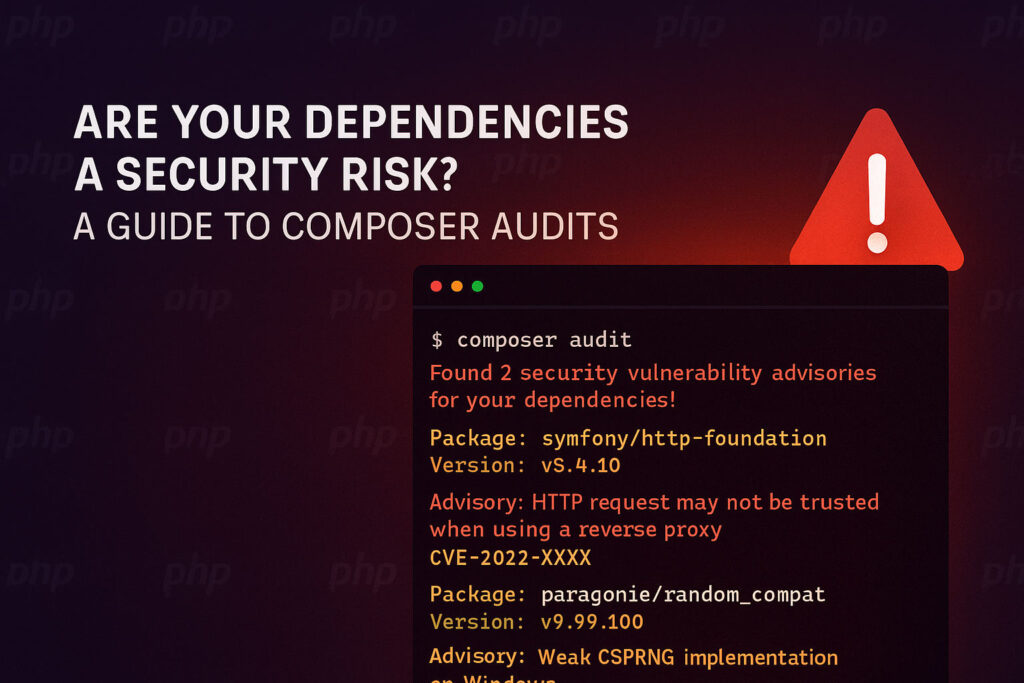
If Composer finds any vulnerabilities, it will output a detailed report, typically looking something like this:
$ composer audit
Found 2 security vulnerability advisories for your dependencies!
(Use --format json for machine readable output)

Package: symfony/http-foundation
Version: v5.4.10
Advisory: SYMFONY-2022-08-01 - HTTP request may not be trusted when using a reverse proxy
Link:     https://github.com/symfony/http-foundation/security/advisories/GHSA-9576-w9p3-96m8
CVE:      CVE-2022-XXXX

Package: paragonie/random_compat
Version: v9.99.100
Advisory: PARAGONIE-2020-0001 - Weak CSPRNG implementation on Windows
Link:     https://github.com/paragonie/random_compat/security/advisories/GHSA-ABCD-EFGH-IJKL
CVE:      CVE-2020-YYYY
Each advisory will typically include:
- Package Name: The affected dependency.
- Version: The installed version that is vulnerable.
- Advisory: A brief description of the vulnerability.
- Link: A URL to the full advisory, often on GitHub or a security database, detailing the impact and affected versions.
- CVE: The Common Vulnerabilities and Exposures identifier, if available.
Going Deeper with Third-Party Tools: Snyk
While composer audit is excellent, dedicated security scanning tools often offer additional features like deeper analysis, integration with CI/CD pipelines, and proactive alerting. Snyk is a popular choice that integrates well with Composer.
How to Use Snyk
- Install Snyk CLI:Bash
npm install -g snyk(You’ll need Node.js installed for this) - Authenticate:Bash
snyk authThis will open your browser to log in or create a Snyk account. - Run Scan: Navigate to your project’s root and run:Bash
snyk test
Benefits of Snyk (and similar tools):
- Broader Database: Often has its own extensive vulnerability database in addition to public ones.
- Contextual Advice: Provides more detailed remediation advice, including specific version updates.
- Transitive Dependencies: Better at identifying vulnerabilities in your dependencies’ dependencies (the deep nested tree).
- CI/CD Integration: Can be integrated into your continuous integration pipeline to automatically scan on every commit.
Safely Updating Vulnerable Packages
Once you’ve identified vulnerabilities, the next critical step is to update. This needs to be done carefully, especially in legacy applications, to avoid introducing new bugs.
- Read the Advisory: Always click on the provided link in the
composer auditoutput (or Snyk report). This advisory will tell you:- The severity of the vulnerability.
- The impact (e.g., “remote code execution,” “information disclosure”).
- The fixed versions. This is crucial for knowing which version to update to.
- Targeted Updates: Don’t just run
composer updateblindly. This could update many packages, leading to unexpected changes. Instead, update only the problematic packages.Ifsymfony/http-foundationis vulnerable and the advisory says it’s fixed inv5.4.12, you can update specifically:Bashcomposer update symfony/http-foundation --with-dependenciesThe--with-dependenciesflag is important because the vulnerable package might have its own dependencies that also need updating. - Adjust
composer.json(if necessary): If the fixed version is outside your current version constraint (e.g., yourcomposer.jsonhas"symfony/http-foundation": "^5.4"but the fix is in6.0), you’ll need to update your constraint:JSON"require": { "symfony/http-foundation": "^6.0" }Then runcomposer update symfony/http-foundation --with-dependenciesagain. Be aware that major version bumps (like 5.x to 6.x) often introduce breaking changes. - Thorough Testing: This is the most crucial step for maintenance.
- Automated Tests: Run your entire unit, integration, and functional test suite.
- Manual Testing: Manually test critical paths of your application, especially those that touch the updated library. If
symfony/http-foundationwas updated, test all user input, routing, and form submissions. - Regression Testing: Ensure existing features still work as expected.
- Staging Environment: Perform these updates and tests in a dedicated staging environment that mirrors production before deploying.
Proactive Security: Make it a Habit
Dependency auditing shouldn’t be a one-off task. Incorporate it into your regular maintenance routine:
- Monthly Audits: Run
composer auditmonthly. - Before Deployments: Always run an audit before pushing to production.
- CI/CD Integration: Automate
composer auditor Snyk scans in your continuous integration pipeline. - Keep Dependencies Updated: Regularly update non-major versions of your dependencies to get security fixes as they’re released.
By making dependency auditing a consistent part of your PHP maintenance strategy, you can significantly reduce your application’s attack surface and ensure its long-term security and stability.