
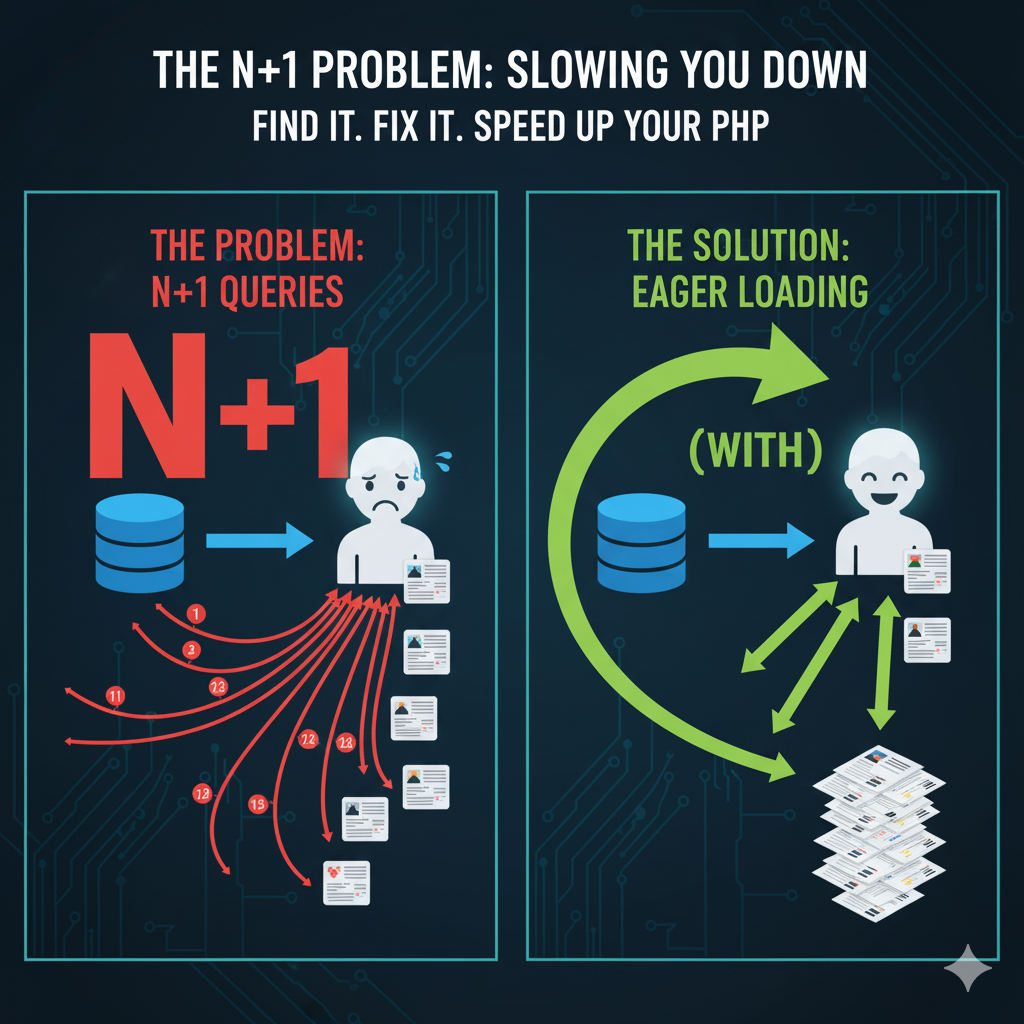
If you’ve ever had a page in your PHP application that gets slower and slower as you add more data, you might have an N+1 query problem. It’s one of the most common performance bottlenecks, but thankfully, it’s also one of the easiest to fix once you know what to look for.
What is the N+1 Problem?
Imagine you need to fetch a list of 10 blog posts, and for each post, you also need to display the author’s name.
The naive way to do this looks something like this:
- First Query: Get all 10 blog posts from the
poststable. (SELECT * FROM posts LIMIT 10;) - Loop and More Queries: Loop through each of the 10 posts. Inside the loop, run a new query to get the author’s name from the
userstable based on theuser_idof the post. (SELECT name FROM users WHERE id = ?;)
Do you see the problem? You’re running 1 query to get the posts, and then N more queries (10, in this case) to get the authors. That’s a total of 11 queries to the database! If you had 100 posts, it would be 101 queries. This is the “N+1” problem, and it’s incredibly inefficient.
How to Find It
The easiest way to spot this is with a development tool. If you’re using a framework like Laravel, tools like Laravel Telescope or Debugbar will show you every single query being run for a page load. If you see a long list of identical-looking queries being run one after another, you’ve found an N+1 problem.
How to Fix It: Eager Loading
The solution is to fetch all the data you need in advance. This is called “eager loading.” Instead of fetching authors one-by-one inside the loop, you can tell your database to grab them all at once.
With an ORM like Eloquent (in Laravel), the fix is often a single word.
The Slow Way (N+1):
PHP
// Runs 1 query for posts, then N queries for users
$posts = Post::all();
foreach ($posts as $post) {
  echo $post->author->name;
}
The Fast Way (Eager Loading):
PHP
// Runs just 2 queries total!
$posts = Post::with('author')->get();
foreach ($posts as $post) {
  echo $post->author->name;
}
By adding with('author'), you’re telling Eloquent: “get all the posts, and while you’re at it, get all the authors for those posts in a single, separate query.” The ORM then cleverly links them up in the background.
No matter what framework or library you use, the principle is the same: load related data in batches, not in loops. Fixing N+1 issues is one of the quickest ways to make a tangible improvement in your application’s performance.